Building and managing websites for clients is challenging. Sure, there are technical and financial obstacles to work around. You’ll also find that you’re managing client personalities. And, despite our best efforts, some clients will leave for greener pastures. But it works both ways. Sometimes, you’ll be on the other end of the spectrum, with a client leaving their previous developer for you.
I’ve experienced both scenarios. Sometimes, there’s no rhyme or reason why clients come and go. You can do everything right, and still a client looks elsewhere when it’s time for a redesign or new project. Perhaps they were swayed by a sales pitch. Or, a new person comes in and wants to shake things up. It’s an unfortunate part of this business.
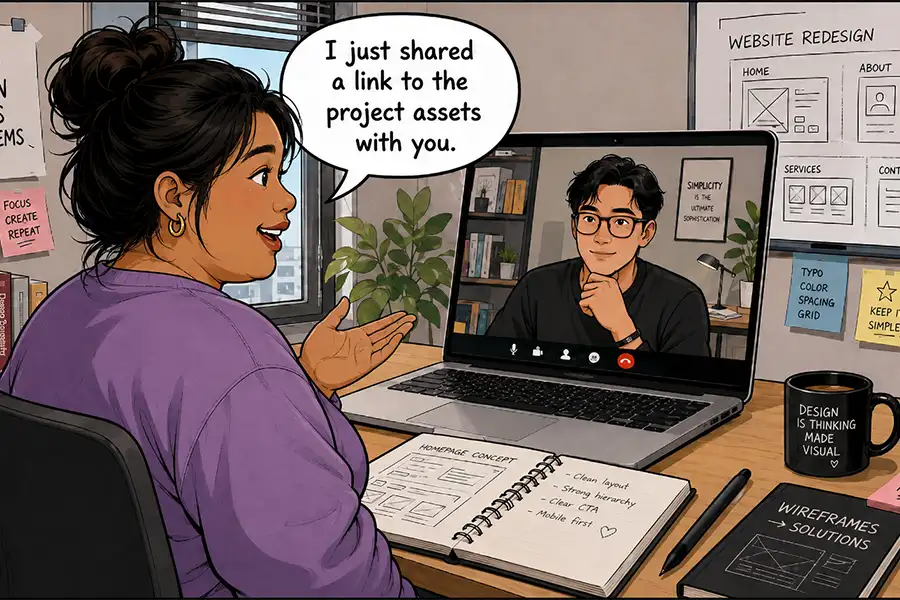
Regardless, there’s still work to be done. Their website may need to be migrated to a different host. Credentials need to be created for the new freelancer. There are project assets and notes to share.
It’s an awkward situation at best. But never fear, I have some tips for making the transition as smooth as possible. Keep reading to learn the do’s and don’ts of working with that new (or old) developer!
Keep It Professional
Maybe it sounds obvious. However, it’s easy to become emotional when letting go of a project (and its revenue). The same thing applies when you’re the new developer. Some clients will paint an unfortunate picture of their previous agency. Don’t get caught up in it.
Odds are, neither you nor the other party is evil or inept. There are always two sides to a story, and you’ll probably only hear one of them.
As such, there’s no reason to be rude or unhelpful. Answer questions, document processes, and respond within a reasonable period of time. These are common courtesies that will speed up the transition. After all, no one wants this thing to drag on for too long.
The funny part is that you may encounter the same developer again. For example, I’ve gained and lost clients to the same local agency. It’s a reminder to keep it professional and avoid burning bridges.
We may be competitors, but we’re all in the same boat.
Get Paid Before Doing the Work
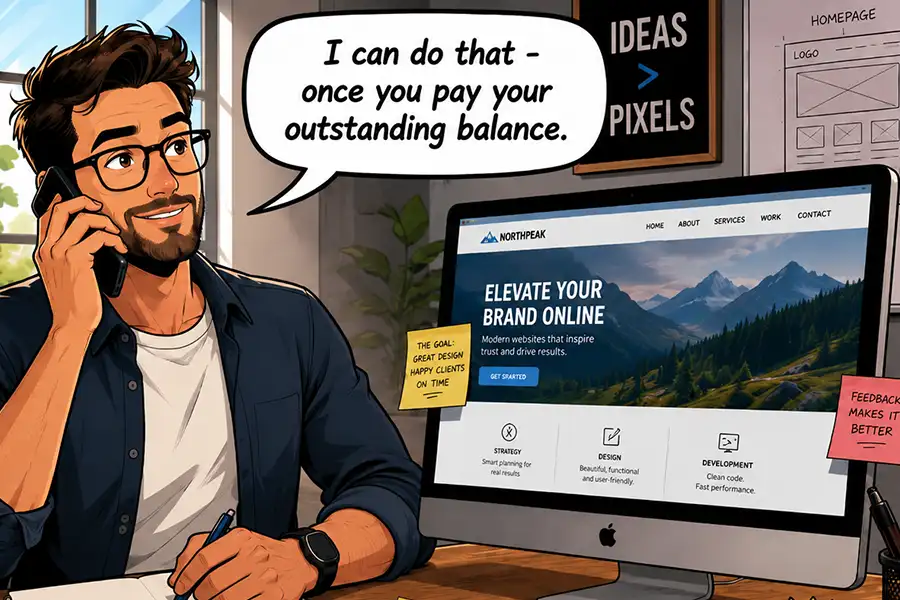
These transitions can be especially frustrating if a client owes you money. They may expect you to work with their new developer with a promise to pay later. Avoid this scenario at all costs!
A client who is always late with payment is unlikely to make good on their debt after you’re gone. As such, getting paid should be a condition for transferring the site to someone else.
Create an agreement (in writing) that outlines what you need from them before you can do the work. Don’t provide a single file or login until that condition has been met. This places the ball firmly in their court. If they want to move on, they’ll need to settle their outstanding debt. It’s a perfectly reasonable request.
If the client balks at the idea, you may need to bring a lawyer into the fold. It’s not ideal, but it may be the only way you’ll get your money.
Sharing credentials is part of any website transition. There are logins for hosting, content management systems (CMS) like WordPress, and third-party SaaS applications. Not to mention API keys and software licensing details.
You may be tempted to send a laundry list of logins to the new developer. However, it’s worth taking a step back and ensuring you aren’t exposing yourself to risk.
If you manage a client’s hosting or domain name, for example, be sure that anything you share is specific to their website. You wouldn’t want someone to have access to other client data. If possible, create delegate accounts that provide only the necessary permissions.
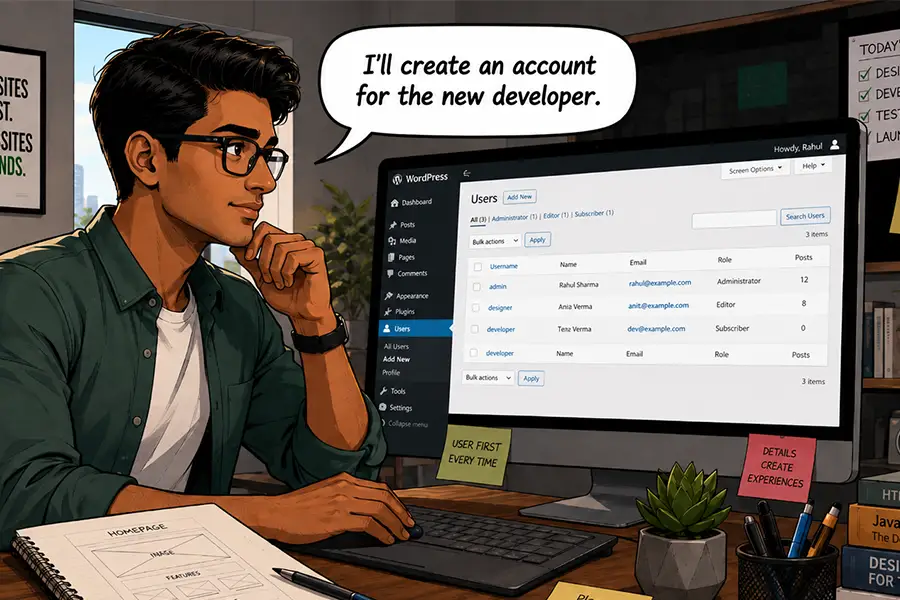
Also, create a new administrator account for their CMS, rather than sharing your login. This takes you off the hook for any user activity or, worse yet, a hacked password. And make sure your account is deleted when you’re out of the picture.
Software licensing can be tricky, especially if they aren’t under your client’s name. If you have a developer license for a WordPress plugin, consider your comfort level with allowing a client to continue using it. It might be worth recommending they purchase a separate license.
If you’re inheriting the site from another developer, think about what you’ll need. Ask about all of the above and find out as much as you can. The goal is to avoid any surprises once you take over.
Transitions Are a Part of the Job
It’s safe to say that no one enjoys transitioning a website from one developer to another. It’s often a messy process and can raise your anxiety levels, regardless of which side you’re on. But there’s an opportunity to make the best of a difficult situation.
Maintaining a professional attitude is a must. Treat it as just another business transaction and do your best to leave personal feelings out of it. Work with integrity and aim to produce the best possible outcome.
It’s also important to protect your interests. A client who’s leaving must live up to their end of the bargain. Don’t allow them to walk away without paying their outstanding balance. Also, be careful about the information you share with a new developer.
The most positive aspect is the experience you’ll gain. Learning to manage clients coming and going will serve you well. Doing so will allow you to focus on the task at hand while avoiding all the negatives. That’s great, because you’re likely to need those skills again and again.
Related Topics
here. He recently started a writing service for WordPress products: WP Product Writeup. He also has an opinion on just about every subject. You can follow his rants on Bluesky @karks.com.
Read more articles by Eric Karkovack